MCP Apps
RubyLLM MCP supports MCP Apps through the UI extension capability and a metadata parsing layer on tools/resources/templates.
Table of contents
- Capability Registration
- Metadata Placement Rules
- Tool Metadata (
apps_metadata) - Resource and Template Metadata (
apps_metadata) - Adapter Notes
- Practical Flow
- Working Example Application
Capability Registration
Use the convenience helper to register the MCP Apps/UI extension:
RubyLLM::MCP.configure do |config|
  config.extensions.enable_apps
end
By default this registers:
"io.modelcontextprotocol/ui" => {
  "mimeTypes" => ["text/html;profile=mcp-app"]
}
You can override mimeTypes:
RubyLLM::MCP.configure do |config|
  config.extensions.enable_apps(
    "mimeTypes" => ["text/html;profile=mcp-app", "text/html"]
  )
end
Metadata Placement Rules
RubyLLM MCP keeps extension capability config separate from tool/resource metadata:
- Client capability fields such as
mimeTypesbelong in extension registration - Tool UI fields such as
resourceUriandvisibilitybelong in tool_meta.ui
If you pass tool metadata fields to enable_apps, RubyLLM MCP raises an ArgumentError to prevent mixed concerns.
Tool Metadata (apps_metadata)
Each RubyLLM::MCP::Tool exposes parsed MCP Apps metadata:
tool = client.tool("render_widget")

tool.apps_metadata.resource_uri
tool.apps_metadata.visibility
tool.apps_metadata.model_visible?
tool.apps_metadata.app_visible?
Supported input forms:
- Canonical:
_meta.ui.resourceUri - Legacy alias:
_meta["ui/resourceUri"]
If visibility is absent, RubyLLM MCP defaults it to ["model", "app"].
Resource and Template Metadata (apps_metadata)
RubyLLM::MCP::Resource and RubyLLM::MCP::ResourceTemplate expose:
csppermissionsdomainprefers_border(supports bothprefersBorderandprefers_border)
Example:
resource = client.resource("ui_shell")
meta = resource.apps_metadata

puts meta.domain
puts meta.permissions.inspect
Adapter Notes
:ruby_llmand:mcp_sdkboth expose parsedapps_metadata- Only
:ruby_llmadvertises extension capabilities in full mode :mcp_sdkremains passive for capability advertisement
Practical Flow
- Register UI extension capability (
enable_apps) - Ensure server sends MCP Apps metadata in
_meta.ui - Use RubyLLM MCP
apps_metadataaccessors to decide how to render/route UI content
For a hands-on implementation walkthrough, see MCP Apps.
Working Example Application
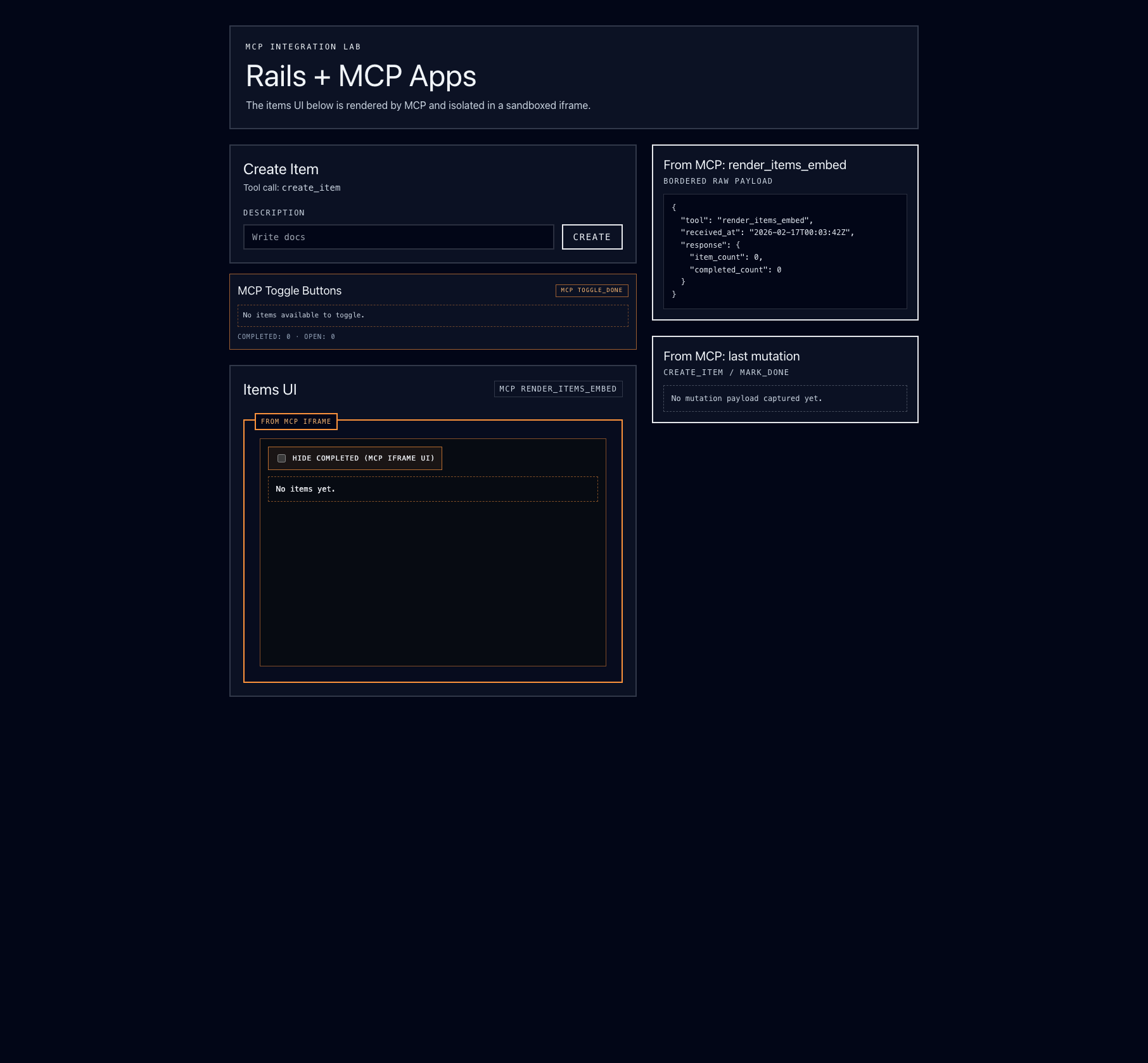
This repository includes a working example application with MCP Apps support in examples/mcp_app.